Never miss a moment.
Ember quietly keeps your last plays ready. Press F8 and the clip is saved, up to an hour back, with every audio track kept separate.
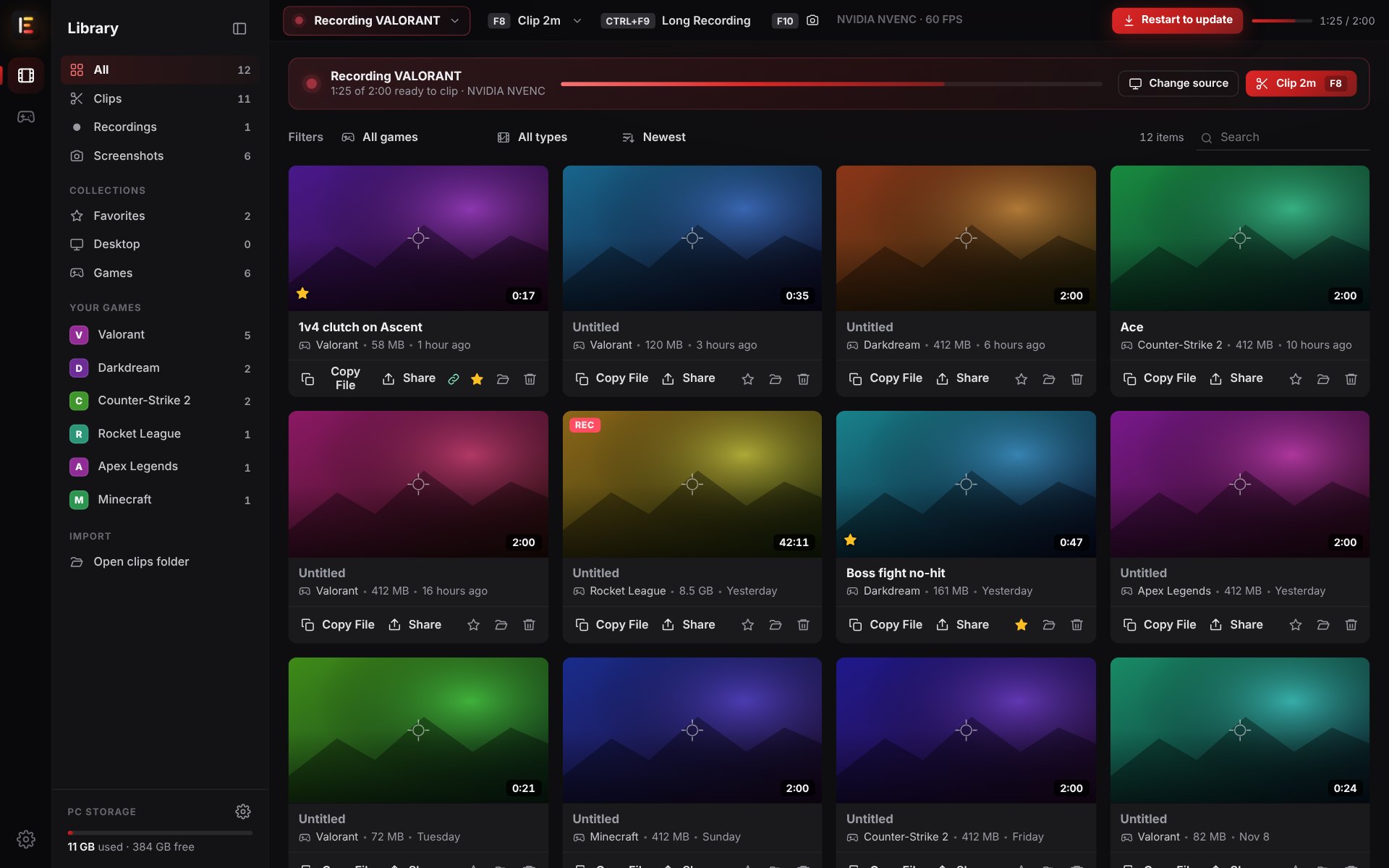
All your clips, screenshots and recordings, sorted by game.
Install and play
Ember notices when a game starts and records just that game in the background. Nothing to set up.
Press F8
Something great happened? One key saves the last 2 minutes (or any length you pick, up to an hour).
Edit and share
Trim it, add music or text, make it vertical, and send it to Discord or get a link, all inside Ember.
Everything you need. Nothing you don't.
No watermark, no account, no ads. Your clips stay on your PC until you decide to share them.
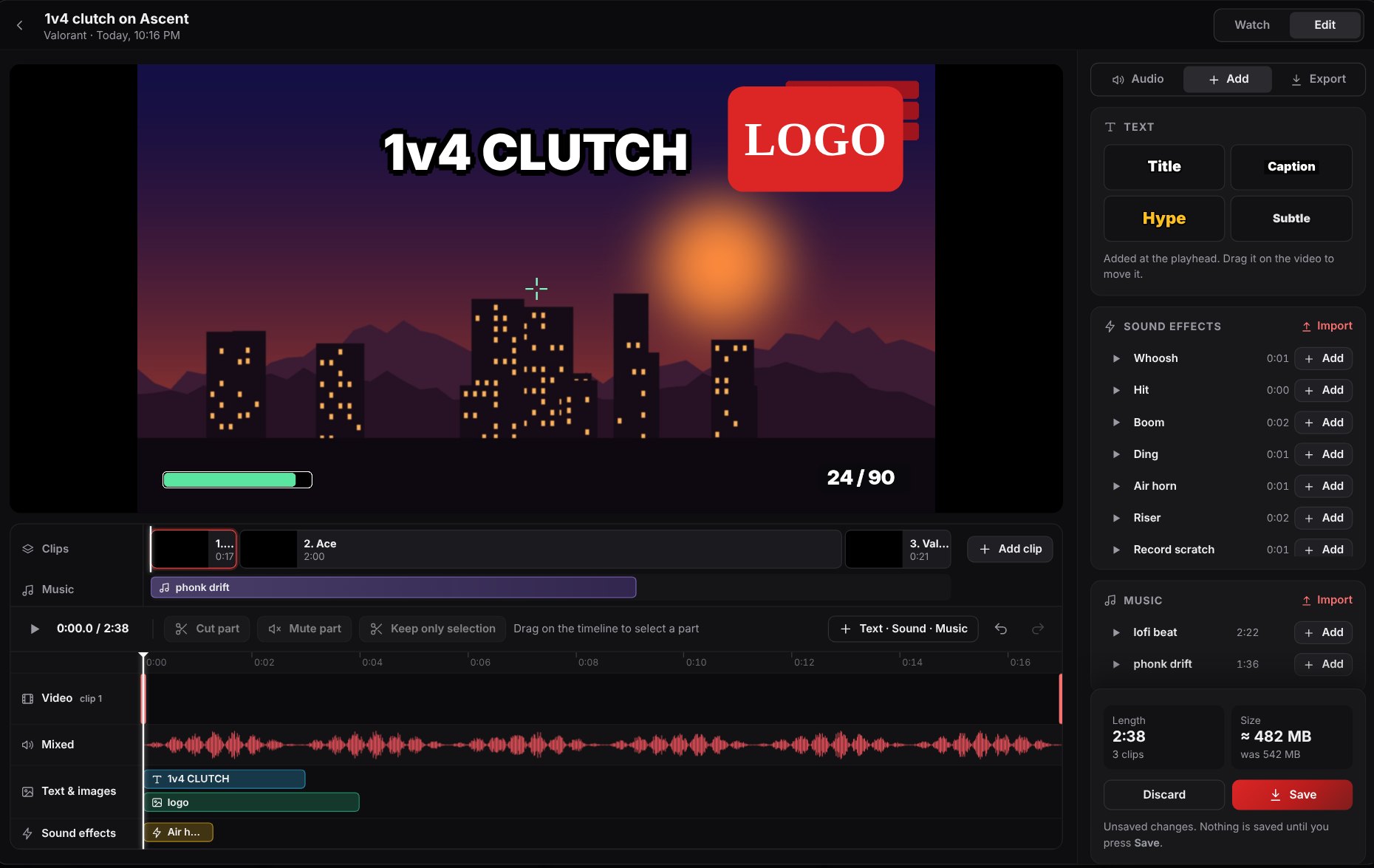
Turn a clip into a highlight in a minute.
- Cut out the boring parts and join clips into a montage
- Add your own music, sound effects, images and text
- Mute your friend's mic or the music without touching the game sound
- Fit it to 10 MB for Discord with one setting
Nothing changes until you press Save, so you never lose audio by accident.
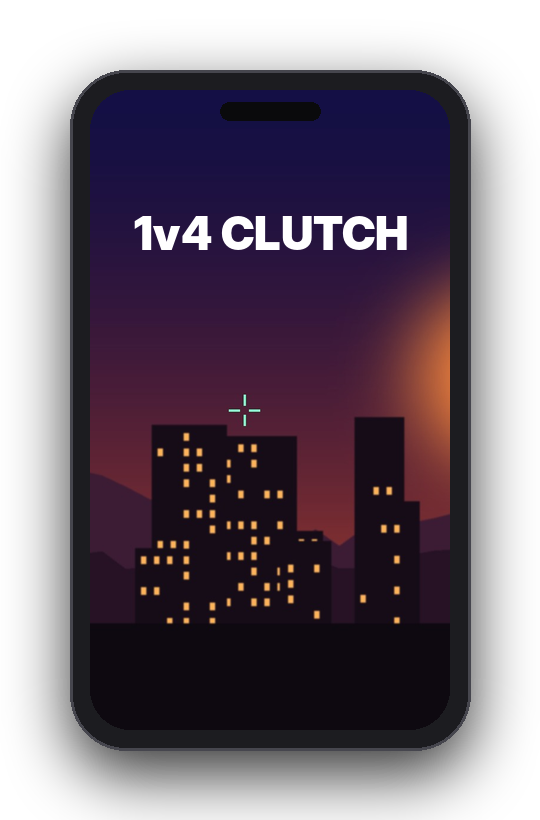
Ready for TikTok, Shorts and Reels.
Drag a frame over the action, or fit the whole clip on a blurred background. Export at 9:16 or square.
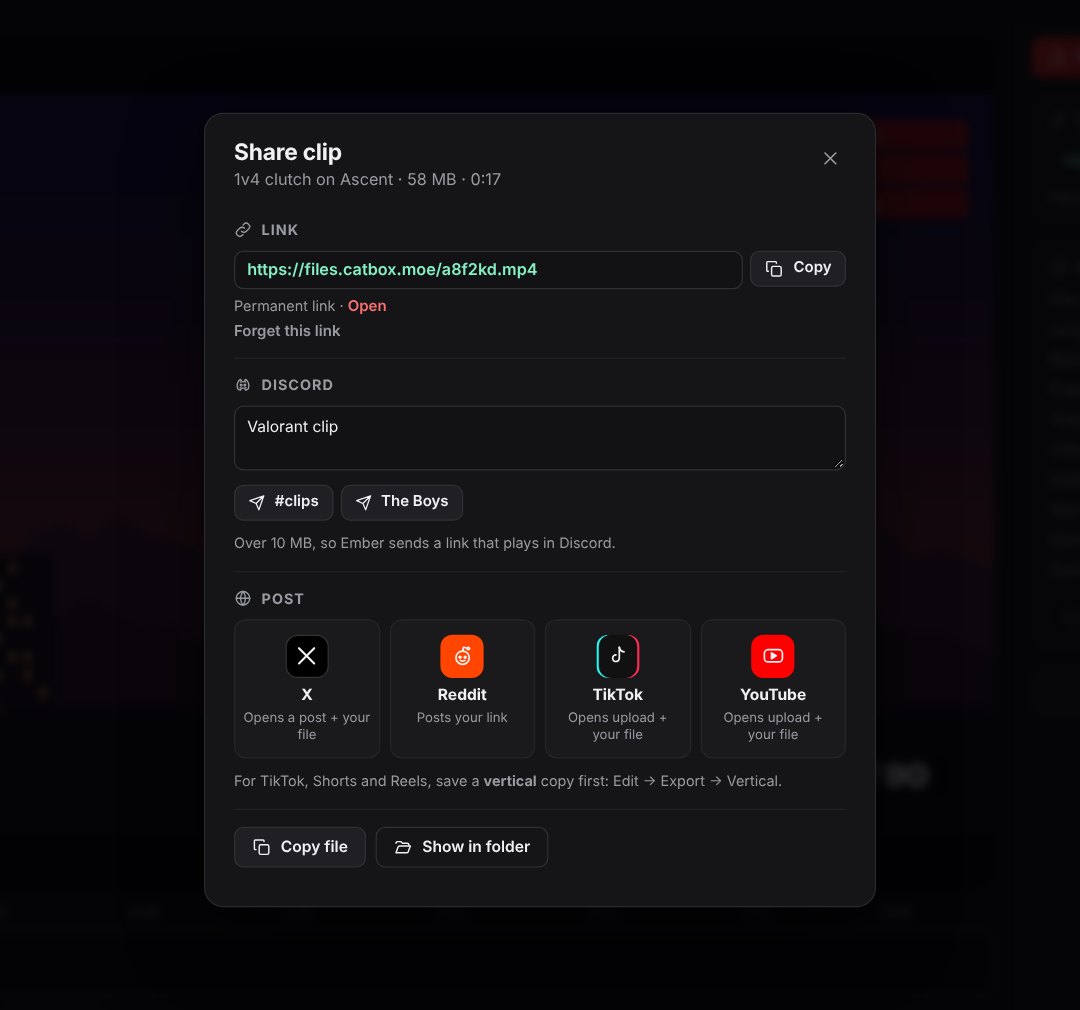
One click to Discord, or a link anyone can open.
Send clips straight to your server, or get a link that plays right inside Discord. Too big? Ember shrinks it to fit.
Every sound on its own track.
Game, Discord, Spotify, your mic, or each channel of a GoXLR, Wave Link or Voicemeeter mixer. Turn any of them off later, in Ember or in Premiere, DaVinci Resolve or Vegas.
Questions
Is Ember really free?
Yes. No price, no account, no watermark and no ads.
Can I get banned for using it?
Ember doesn't inject anything into games or read their memory. It captures your screen and audio the same way OBS and Discord screen sharing do.
Will it slow down my games?
Ember records with the video encoder built into your graphics card, which is separate from the part that runs your game. Most players notice no difference. On an older PC, pick the Standard or Low quality preset.
Where do my clips go?
To a folder on your PC (Videos\Ember by default, or any folder you choose). Nothing is uploaded unless you press Share and create a link.
Windows says "Windows protected your PC". Is that normal?
Yes, Windows shows this for new apps that haven't built up a reputation yet. Click More info, then Run anyway. Always download Ember from this page so you know it's the real installer.
Do I need to install anything else?
No. The installer has everything. The first time it starts, Ember downloads its recorder (FFmpeg) automatically.
Who can see my share links?
Anyone who has the link can watch that clip. Links aren't listed or searchable anywhere, and nothing is shared unless you choose to.
What do I need?
Windows 10 or 11 (64-bit). A graphics card from the last few years is recommended for recording without slowing your game.